
In the early days of eCommerce development, most store owners thought about APIs the same way they thought about plumbing invisible infrastructure that just had to work.
A payment provider here. An ERP connection there. A logistics hook bolted on during a late Friday night. Each integration solved individually, each one fragile in its own way.
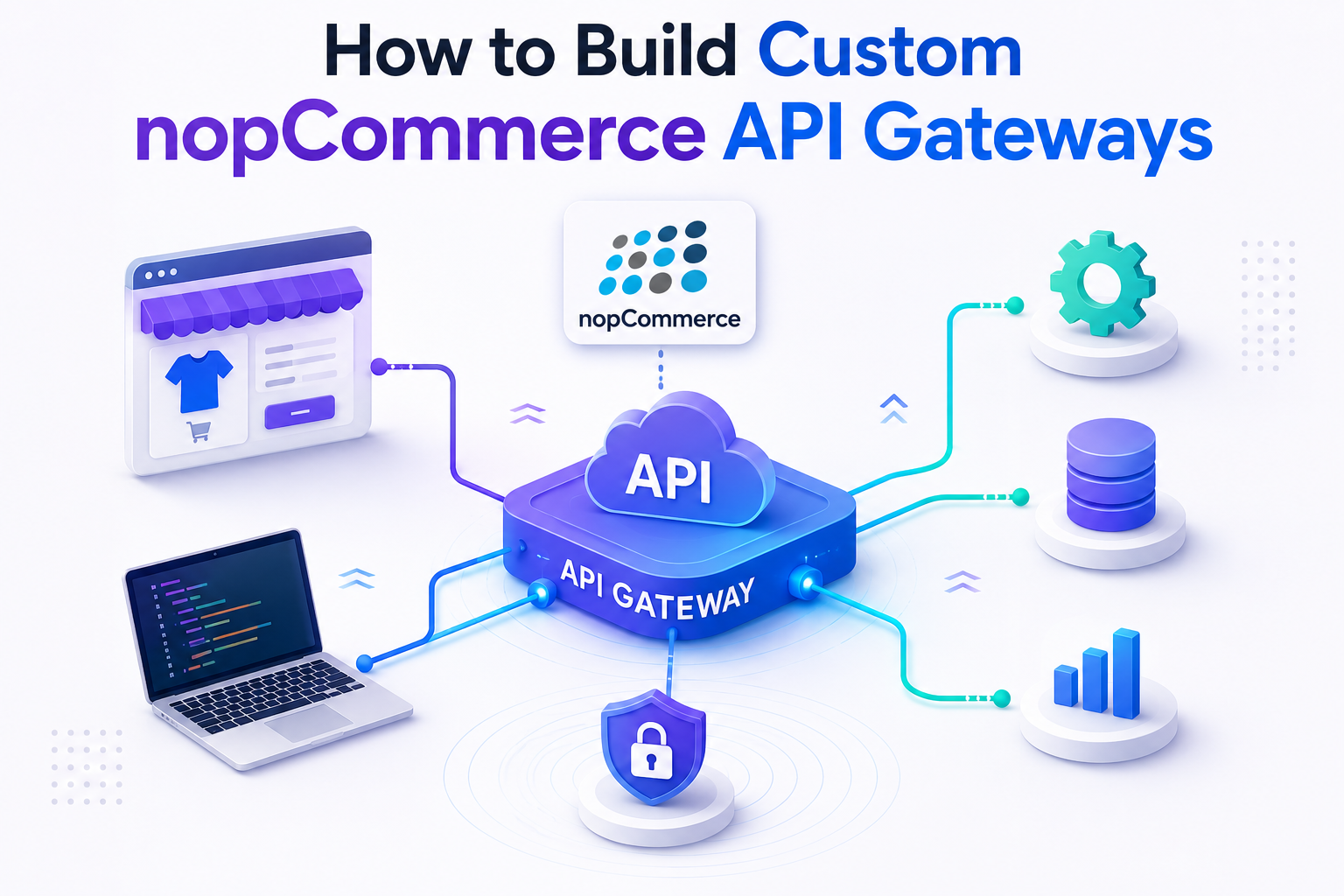
But in 2025, the most successful nopCommerce stores are built differently. They're not just connecting systems. They're controlling how systems talk to each other through a single, secure, intelligent layer called a Custom API Gateway.
The reason is simple.
A direct API call handles a request. A gateway handles your entire business.
And in today's high-volume, multi-channel eCommerce environment, that control layer is the difference between a store that breaks under pressure and one that scales without fear.
Is your nopCommerce store integration-ready?
Most stores manage integrations with point-to-point connections that break under load. Our team will audit your current API architecture and identify risks before they become expensive problems free of charge.
Get your free API architecture review →Why API Gateways Matter More Than Ever in eCommerce
Modern nopCommerce stores are no longer "just websites." They are ecosystems. Your store might connect to payment providers, ERP systems, mobile apps, logistics partners, CRM platforms, marketplaces like Amazon or Flipkart, and marketing automation tools all at the same time.
As your store scales, these integrations multiply. Without structure, your system turns into a fragile web of direct API calls that is hard to manage, hard to scale, and catastrophically risky during peak sales.
Consider two integration approaches that play out every day in nopCommerce stores:
Without an API Gateway
- Every service connects directly to your store
- One slow integration breaks checkout for everyone
- No visibility you only know it's broken when customers complain
- Every new integration is a separate 3-week project
With a Custom API Gateway
- All traffic routes through one secure control layer
- One failing service doesn't affect checkout performance
- Full real-time logging and error monitoring
- New integrations added in days, not weeks
The store with a gateway doesn't just handle more traffic it handles failure gracefully, which is what actually matters during Diwali, Black Friday, or any peak-season event where checkout downtime directly costs revenue.
What Is a Custom nopCommerce API Gateway?
Customer Lifetime Value tells the bigger story about your business. An API Gateway tells the bigger story about your infrastructure. In simple terms:
For nopCommerce specifically, a custom gateway can manage mobile app traffic, control third-party integrations, optimize product and order sync with your ERP, protect backend APIs from direct exposure, and transform data formats between systems.
Think of it as a smart traffic controller for your entire digital ecosystemone that speaks every language your integrations use, enforces every security rule, and never sleeps.
When Should You Build a Custom Gateway?
Most nopCommerce store owners don't think about "API gateways." They think about real business problems like these:
- "Will my checkout break during the Diwali sale?"
- "Can we integrate this new marketplace quickly?"
- "Why does every integration take 3 weeks and still break?"
- "Why are we dependent on one developer for everything?"
A custom API gateway directly solves all of these. You should strongly consider building one if:
- You have 3 or more external integrations running simultaneously
- You're building a mobile app or headless storefront
- You're scaling internationally and need multi-region support
- You've experienced API security breaches or unexplained downtime
- Your team spends more time fixing integration bugs than building new features
Step-by-Step: How to Build a Custom nopCommerce API Gateway
If you want to build a secure, scalable API gateway for nopCommerce, focus on these six steps in order. Skipping steps especially authentication and monitoring is the most common and most expensive mistake teams make.
Define Your Integration Scope
Before writing a single line of code, map every service that connects to nopCommerce and every data flow in and out. The integration map prevents architectural mistakes that are expensive to fix later. Common flows: Orders → ERP, Inventory → Warehouse, Customers → CRM, Payments → Processor, Products → Mobile app / marketplace. Our Performance Reporting team can help you audit your current integration landscape before you design the gateway architecture.
Choose Your Gateway Technology Stack
Since nopCommerce runs on .NET, your gateway should ideally live in the same ecosystem. Common choices: ASP.NET Core Web API, Ocelot (a .NET-native API gateway framework), YARP (Yet Another Reverse Proxy by Microsoft), Azure API Management, and AWS API Gateway. For most mid-sized nopCommerce stores, ASP.NET Core + Ocelot is the most practical and cost-effective starting point. Our ASP.NET development team has built production gateways on all of these stacks.
Implement Authentication & Authorization
Every request entering your gateway must be verified before it reaches nopCommerce. Use JWT-based authentication with token validation, role-based access control (RBAC), and hardened protection for admin-level endpoints. Never expose nopCommerce admin APIs without an auth layer in front of them this is the most critical security mistake in eCommerce integrations.
Add Rate Limiting
Rate limiting is your server's first line of defence against traffic spikes, bot abuse, and runaway integrations. Without it: server overload, checkout delays, and crashes during peak sales. With it: controlled traffic, stable performance, and better resource utilisation. This is what allows your store to handle Diwali sale volumes without manual intervention or infrastructure emergencies.
Enable Logging & Monitoring
A gateway you cannot observe is a gateway you cannot trust. Every production gateway should log all incoming requests, monitor response times in real time, track error rates by endpoint, and send alerts on unusual behaviour patterns. Integrate with Application Insights, Datadog, or ELK stack. Our Performance Reporting & Analytics service can set up the full monitoring stack for your gateway and store.
Implement Response Caching
Product catalogues, category lists, and pricing data don't change every second. Cache these at the gateway level to serve responses instantly for common requests reducing nopCommerce database load and dramatically improving mobile app performance. Even a 60-second cache on product data can cut database queries by 80% during high-traffic events.
Real Example: How an API Gateway Transformed a nopCommerce Store
A mid-sized electronics retailer running nopCommerce was growing steadily good traffic, reasonable sales, three active marketplace integrations. But when they looked deeper, the picture was less comfortable: ERP sync failures during peak days, mobile app performance degrading under load, and checkout errors that only appeared during high-traffic events.
They implemented a custom API gateway built on ASP.NET Core + Ocelot, with JWT authentication, rate limiting, response caching for product data, and a full monitoring stack with real-time alerting.
| Metric | Before Gateway | After Gateway |
|---|---|---|
| API response time | Inconsistent 800ms–3s | Stable 35% faster average |
| Production errors | Frequent during peak sales | Reduced by 40% |
| Integration deployment time | 3 weeks per integration | 1 week per integration |
| Checkout failures during peak events | Multiple per sale event | Zero during Black Friday |
No new products. No platform migration. No increase in marketing spend. The only thing that changed was the control layer sitting in front of their existing nopCommerce store.
What drove the gateway improvements
- Response caching cut repeat database queries for product data during traffic spikes
- Rate limiting protected checkout from being overwhelmed by simultaneous ERP sync operations
- Centralized logging meant the team identified and fixed issues in minutes instead of hours
- JWT authentication eliminated several unauthorized access attempts that had previously gone undetected
Younifi Wellness: From Fragmented Integrations to Measurable Revenue Growth
Younifi Wellness, a health and wellness manufacturer, came to Satyanam with a problem that mirrors what many growing nopCommerce stores face: strong products, established brand, but a digital infrastructure that was failing the business. Customers were dropping off before completing purchases not because of the products, but because unreliable integrations between the storefront and backend systems were creating friction, errors, and lost trust at the most critical moments in the buying journey.
Satyanam rebuilt their eCommerce platform from the ground up. Custom development, seamless API integrations across fulfilment and inventory systems, CI/CD pipeline implementation, and rigorous QA testing before every release. The result was a significantly improved shopping experience, stronger customer confidence in the brand, and measurable growth in online revenue exactly the kind of outcome that a well-architected integration layer enables.
Read the full Younifi Wellness case study →Want a gateway like this built for your nopCommerce store?
Satyanam builds custom API gateways, ERP integrations, and mobile API layers for nopCommerce and eCommerce stores. Let's talk about what's possible for your business.
Book a free strategy call →Advanced Features to Consider
Once your core gateway is live and stable, these advanced capabilities give your nopCommerce store significant competitive advantages especially as you scale internationally or add new channels.
API Versioning
Deploy new API versions without breaking existing mobile app clients or partner integrations. Critical when your mobile app and web store need to run different API versions simultaneously during a phased rollout.
Multi-Tenant Routing
Serve multiple storefronts or regions from one gateway with tenant-aware routing rules. Ideal for brands running separate nopCommerce instances for different markets or wholesale vs. retail channels.
Data Transformation Layers
Translate data formats between nopCommerce and your ERP, CRM, or marketplace in real time. Eliminates the need for custom mapping code in every individual integration.
Circuit Breakers
Automatically fail over when a third-party service payment provider, ERP, logistics API is slow or down. Keeps your checkout healthy even when the services behind it are struggling. This is the feature that prevents the single-point-of-failure scenarios that cost stores revenue during peak events.
Webhook Management
Centrally manage outbound webhooks for order events, stock changes, and customer actions. Instead of configuring webhooks separately in each service, your gateway handles dispatch, retry logic, and failure tracking in one place.
Common Mistakes to Avoid
The technical implementation of an API gateway is only half the challenge. These are the mistakes that cause even well-built gateways to fail in production:
- Exposing nopCommerce backend APIs directly to the internet without any gateway or auth layer the most common and most dangerous mistake
- Skipping authentication checks for "internal" services that are assumed to be safe
- No monitoring or logging, so failures are only discovered after customers report problems
- Hardcoding integration endpoint URLs in application code instead of configuring them centrally
- Ignoring performance and load testing before peak sale events like Diwali or end-of-season sales
Business Benefits Beyond Technology
The real value of a well-built API gateway isn't technical it's business infrastructure. Brands that operate with a gateway think differently about expansion.
Adding a new marketplace becomes a routing configuration, not a 3-week development project. Onboarding a new ERP vendor doesn't require touching your store code. A React Native mobile app can be launched without rebuilding your backend. And when your business grows to the point where investors or acquirers evaluate your infrastructure, a well-documented, centralized API gateway is a signal of operational maturity.
Also read: How to get more repeat customers on Shopify →
Also read: Why Customer Lifetime Value matters more than ROAS in 2026 →
Direct API connections will always be a useful tool. But they're only one piece of the puzzle and in 2025, they're becoming a smaller and riskier piece every year as stores scale.
A custom API gateway tells the bigger story about your infrastructure. The story of control, reliability, and the kind of long-term technical stability that makes a business genuinely scalable not just technically functional on a good day.
The most valuable integration is not the one that works once in a development environment.
It's the one that handles 10,000 concurrent checkout requests during your biggest sale of the year, fails over gracefully when a payment provider is slow, logs every request for your ops team, and requires zero manual intervention.
Building that kind of infrastructure requires upfront investment in design, security, and architecture. But the return on that investment doesn't expire when you stop paying for it it compounds every time you add a new integration, launch a new channel, or survive a traffic spike that would have broken a direct-connection setup.
That's the difference between a nopCommerce store that grows fast and one that grows permanently.
Ready to build a custom nopCommerce API gateway?
At Satyanam, we help eCommerce businesses on nopCommerce, Shopify, and WooCommerce build custom API gateways, ERP integrations, mobile API layers, monitoring stacks, and scalable integration architectures all designed to keep your store fast, secure, and ready for peak traffic.
Talk to our nopCommerce experts →Frequently asked questions about nopCommerce API gateways