
Here is a scenario that plays out every week in eCommerce.
A store owner decides their sales are too low. The obvious answer feels like more traffic so they put ₹50,000 into a Meta campaign, watch the sessions spike, and then watch the orders barely move. The ROAS looks terrible. The agency gets blamed. The campaign gets paused.
But traffic was never the problem.
The store had a 1.2% conversion rate before the campaign. It still has a 1.2% conversion rate. The ads just made it more expensive to find that out.
Marketing amplifies what your store already does good or bad. Spend money sending visitors to a store that has checkout friction, a slow product page, and no trust signals, and you'll generate a lot of expensive bounces. Spend the same money after fixing those things, and the numbers look completely different.
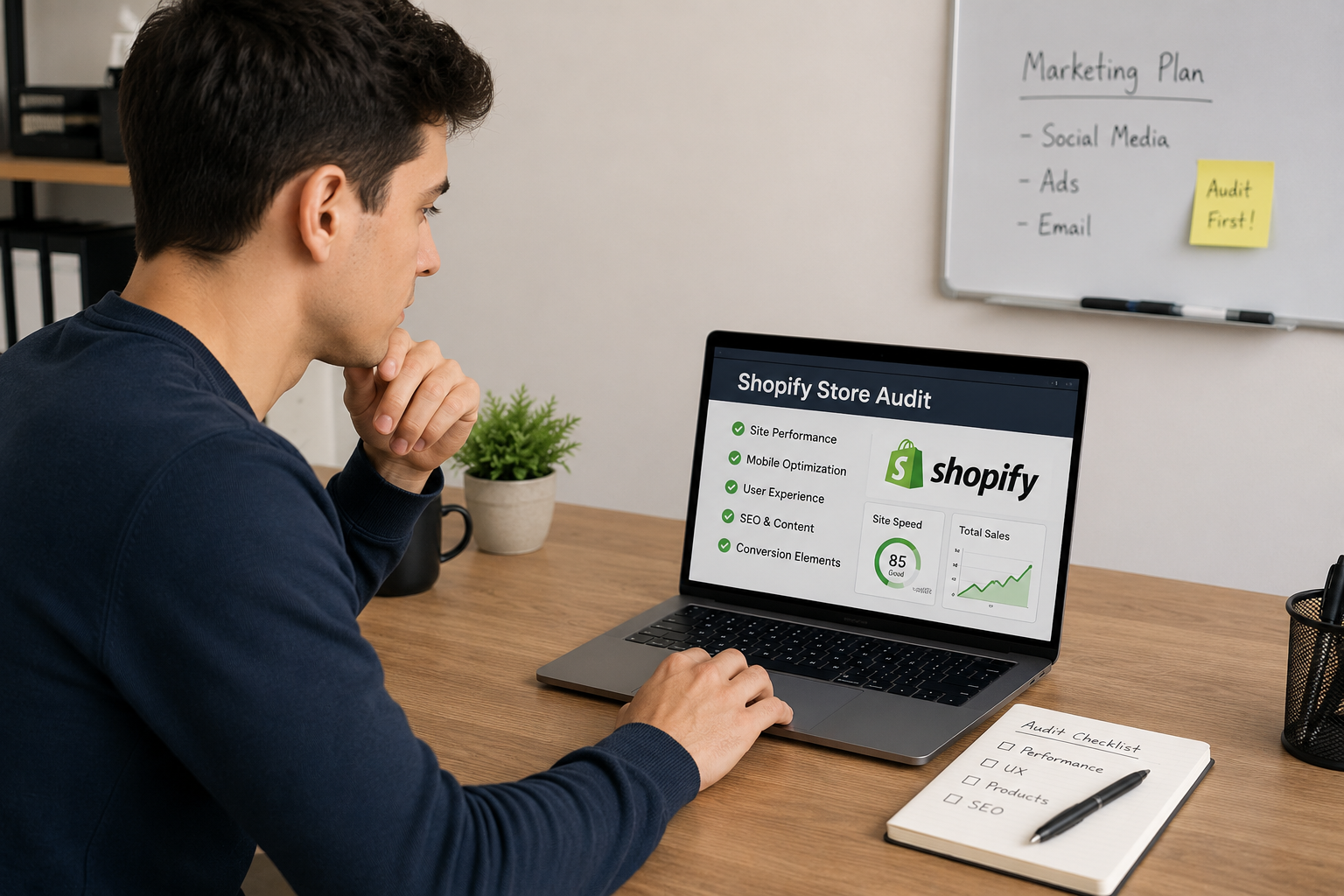
The audit comes first. Always.
Planning to increase your ad spend soon?
Before you do, let us look at what your store is actually doing with the traffic it already has. A free audit takes 20 minutes of your time and usually finds problems that would have quietly eaten your entire campaign budget.
Get your free Shopify store audit →Why auditing before marketing is the better investment
Think about what your ad budget is actually buying. It's buying visits. People who click, land on your store, and then make a decision about whether to stay, browse, and buy.
If the store loses 98 of every 100 of those visitors which is what a 2% conversion rate means then every rupee you spent on ads was 98% wasted before a single product was even seen properly.
An audit doesn't replace marketing. It makes marketing work the way it's supposed to. And unlike ad spend which stops producing results the moment you stop paying every conversion fix you make is permanent. It works for every visitor from that day forward.
Marketing without auditing first
- ₹50,000 in ads → sessions spike
- Store loads in 6 seconds on mobile half leave immediately
- Product pages have no trust signals or size guides
- Checkout requires account creation buyers abandon
- ROAS: 1.8× campaign paused, blamed
Audit first, then marketing
- Speed fixed to under 2s bounce rate drops immediately
- Trust badges, reviews, returns policy added above fold
- Guest checkout + Apple Pay enabled
- ₹50,000 in ads → same sessions, 2× the orders
- ROAS: 4.1× campaign scaled
The five-area Shopify audit you should run before spending on ads
Page speed test on mobile data, not your office Wi-Fi
Run your store through Google PageSpeed Insights (pagespeed.web.dev) and check the mobile score specifically. Your office broadband experience is not your customer's experience. A score below 50 on mobile is a serious problem it means a significant percentage of paid visitors are leaving before your page even finishes loading. Also check Shopify's own Online Store Speed report in your admin dashboard it shows which installed apps are slowing your pages down and by how much. A theme with 14 apps installed is almost always slower than it needs to be.
Conversion funnel find your biggest drop-off in Shopify Analytics
Go to Shopify Analytics → Reports → Online store conversion. This shows you the funnel from sessions all the way to purchase how many visitors viewed products, added to cart, reached checkout, and completed an order. The largest percentage drop between any two steps is your highest-priority fix. If you lose 60% of visitors at the product page, the product page needs attention. If you lose 70% at checkout, that's where to start. Most store owners have never looked at this report. Five minutes here tells you more than months of guesswork.
Checkout friction go through your own checkout on a phone
Open your store on a mid-range Android phone on mobile data and try to buy something. Notice when the shipping cost first appears if it's a surprise at the final step, that's a conversion killer. Notice whether you have to create an account before paying. Check whether Shop Pay, Apple Pay, or Google Pay appear as express options. Enabling all three express payment methods at checkout is one of the fastest wins available customers who already have their card saved in their phone convert at dramatically higher rates than those who have to type card details on a small screen. For deeper checkout analysis, Hotjar or Microsoft Clarity (free) record real sessions and show you exactly where customers hesitate or leave.
Product page trust signals what does a first-time visitor actually see?
Open your best-selling product page and ask: if a stranger landed here from an ad, what would make them trust you enough to buy? Look for customer reviews with photos visible without scrolling, your returns policy stated clearly near the add-to-cart button (not buried in the footer), security and payment badges, and clear answer to "what if this doesn't fit?" for apparel stores. Then check your Google Search Console for pages with high impressions but low click-through rates often a sign that your title tags and meta descriptions are selling the page poorly before the visitor even arrives. These are all fixable in a day, and they affect every page, every visitor, every campaign you ever run.
Cart recovery are you following up on the customers who almost bought?
Check Shopify Admin → Analytics → Abandoned checkouts. If that number is high and you have no recovery sequence in place, you're leaving 10–15% of potential revenue on the table every single month. Klaviyo and Omnisend both integrate directly with Shopify and can have a basic three-email abandoned cart sequence live in an afternoon. Shopify's own built-in abandoned checkout emails are a free starting point if you haven't set up anything yet. Before you pay to bring new visitors in, make sure you're following up on the ones who were already close.
What a real audit found and what it was worth
An apparel brand running Shopify was preparing to significantly increase their ad spend after seeing reasonable organic traffic numbers. Before they did, Satyanam ran a full store audit. What it found saved them from scaling into a broken funnel.
| Audit finding | Status before | Fix applied |
|---|---|---|
| Mobile page speed | 5 seconds PageSpeed score: 31 | Under 1.5s after image compression and app audit |
| Checkout flow | Forced account creation, no express payment | Guest checkout enabled, Shop Pay + Apple Pay added |
| Returns policy visibility | Footer only, legal language | Added above add-to-cart, plain language |
| Cart recovery | No abandoned cart emails at all | 3-email Klaviyo sequence live within 48 hours |
| Broken links and 404s | 11 broken links found in Google Search Console | All redirected recovering lost organic traffic |
The outcome before the ad spend increased
- Page load time dropped from 5 seconds to under 1.5 conversion rate improvement visible in week one
- Cart abandonment fell after checkout friction was removed same traffic, more completions
- Klaviyo sequence recovered 12% of abandoned carts in the first month
- Broken links fixed recovered organic traffic that was previously landing on 404 pages
- When ad spend then increased, it went into a store that was actually working
WooCommerce store: three friction points found, 31% less cart abandonment in two weeks
This client came to Satyanam ready to spend more on advertising. A quick audit of their checkout flow identified three problems they hadn't seen despite looking at the store every day: shipping cost only visible at the final checkout step, account creation required before payment, and no cart recovery follow-up of any kind. All three were fixed within two weeks. Cart abandonment dropped 31% without a single change to the product range, pricing, or ad creative. Only after those fixes were confirmed did we recommend increasing ad spend.
Talk to us about a similar audit for your store →Want us to run this audit on your store?
Satyanam reviews your Shopify : store across all five areas speed, funnel data, checkout, trust signals, and cart recovery and tells you exactly what to fix before you scale your marketing budget. Free, with no obligation.
Book a free strategy call →How to prioritise what you fix first
Most audits find more than one problem. The question is always which one to fix first, and the answer is almost always the same: fix whichever issue affects the most visitors.
After the quick wins are in place and you've confirmed the impact through Shopify Analytics or Google Analytics 4, then scale your ad spend. You're now sending traffic into a store that works and every rupee you spend will go further than it did before.
Marketing is not the first step. It is the last step the one you take after you've confirmed that the store is actually ready to make use of the traffic you're about to send.
An audit takes a few hours. The fixes it leads to take days, not months. And the improvement compounds with every visitor, every campaign, and every rupee you spend on marketing from that point forward.
The question is not whether your store has these problems. Almost every store does. The question is whether you find them before or after you spend your marketing budget discovering them the expensive way.
Get your free Shopify store audit
Our team will review your store across page speed, checkout flow, mobile experience, product page trust signals, cart recovery, and analytics setup. We'll tell you exactly what's costing you conversions right now and what to prioritise before your next campaign. No cost, no obligation, actionable advice guaranteed.
Get your free Shopify store audit →Frequently asked questions